Polling vs webhooks for payment updates
Your app can keep asking a payment service for news, or give it a URL to call the moment something happens. Here is how each approach works.
Key takeaways
Polling: your app repeatedly asks the payment service for the latest status.
Webhooks: the service sends a request to your URL when the event happens.
Polling suits periodic updates; webhooks give timely updates without constant checks.
Webhooks can be retried, so verify the sender and handle duplicates safely.
You pay in an app, and a moment later the order says confirmed. How did the app know your payment went through? There are two common approaches: polling and webhooks. Both deliver the same news. They differ in who starts the conversation.
Polling: "Any update yet?"
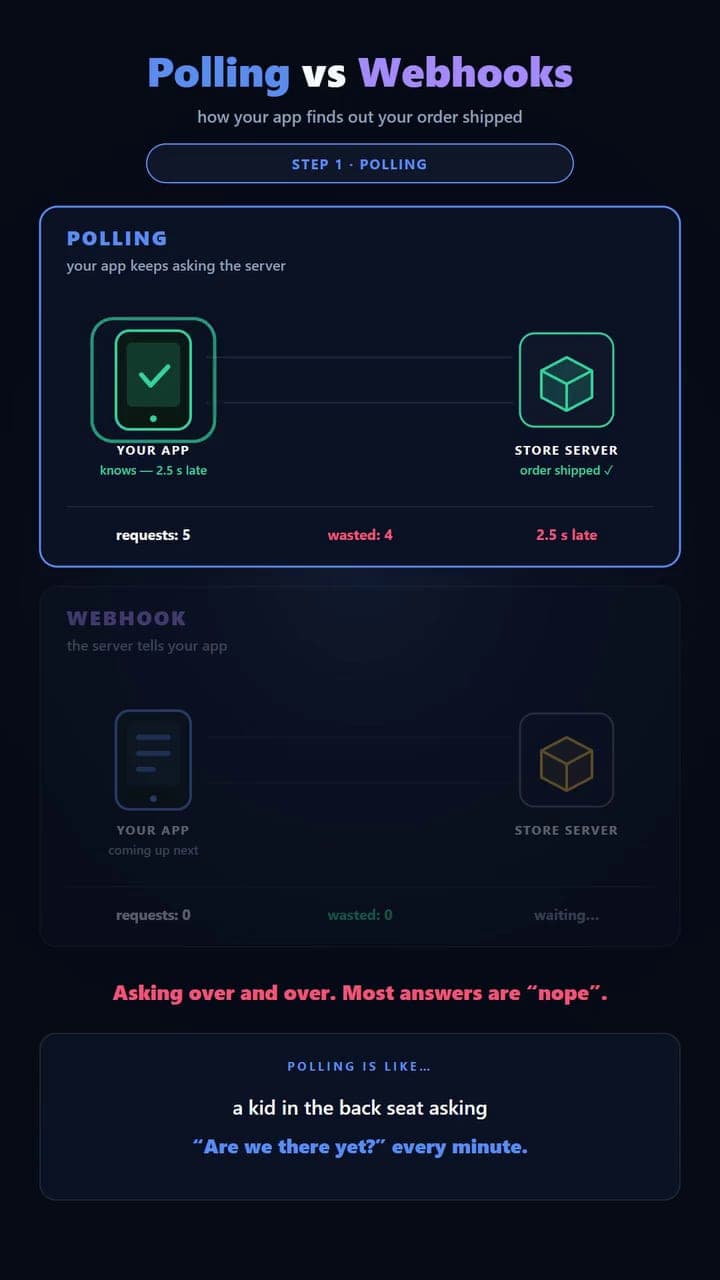
With polling, your app repeatedly asks the payment service for the latest status. "Still processing?" "Still processing?" "Completed?"
It is straightforward, but many of those requests return the same answer, like a kid in the back seat asking "Are we there yet?" every minute. Checking more frequently means faster updates, and more requests.
Webhooks: "Tell me when it happens"
With a webhook, your backend provides a URL where the payment service can send an update. When the payment completes, the service sends a request to that URL. Your backend receives the event and updates the order.
It is the difference between asking all trip long and telling a friend "Text me when you arrive." You ask once, and you are told the moment it happens.
Polling checks for changes. Webhooks send notifications when events happen.
Choosing between them
- Polling is useful when webhooks are not available, or when periodic updates are enough.
- Webhooks are useful when you want timely updates without repeatedly checking.
The two can also work together: webhooks for speed, with an occasional status check as a safety net in case a notification never arrives.
Why it matters
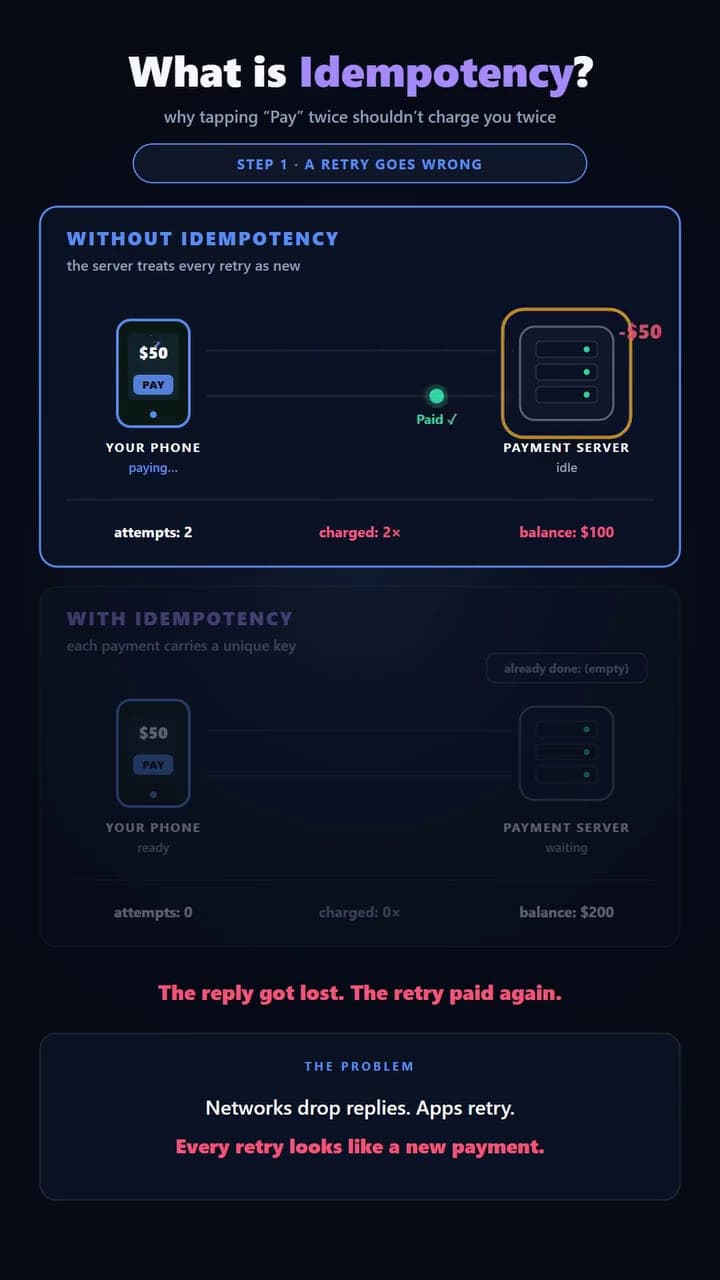
One detail matters with webhooks: deliveries can be retried. If the payment service does not get a timely success reply from your server, it may send the same event again. So verify who sent the event, for example by checking the signature many payment services attach, and handle duplicates safely so the same notification does not trigger the same action twice. Get that right and your app hears about payments quickly without charging, shipping or emailing anyone twice.